
Program and Tune the Candy Sorter
Build the Candy Sorter Program
- Go to solo.parallax.com.
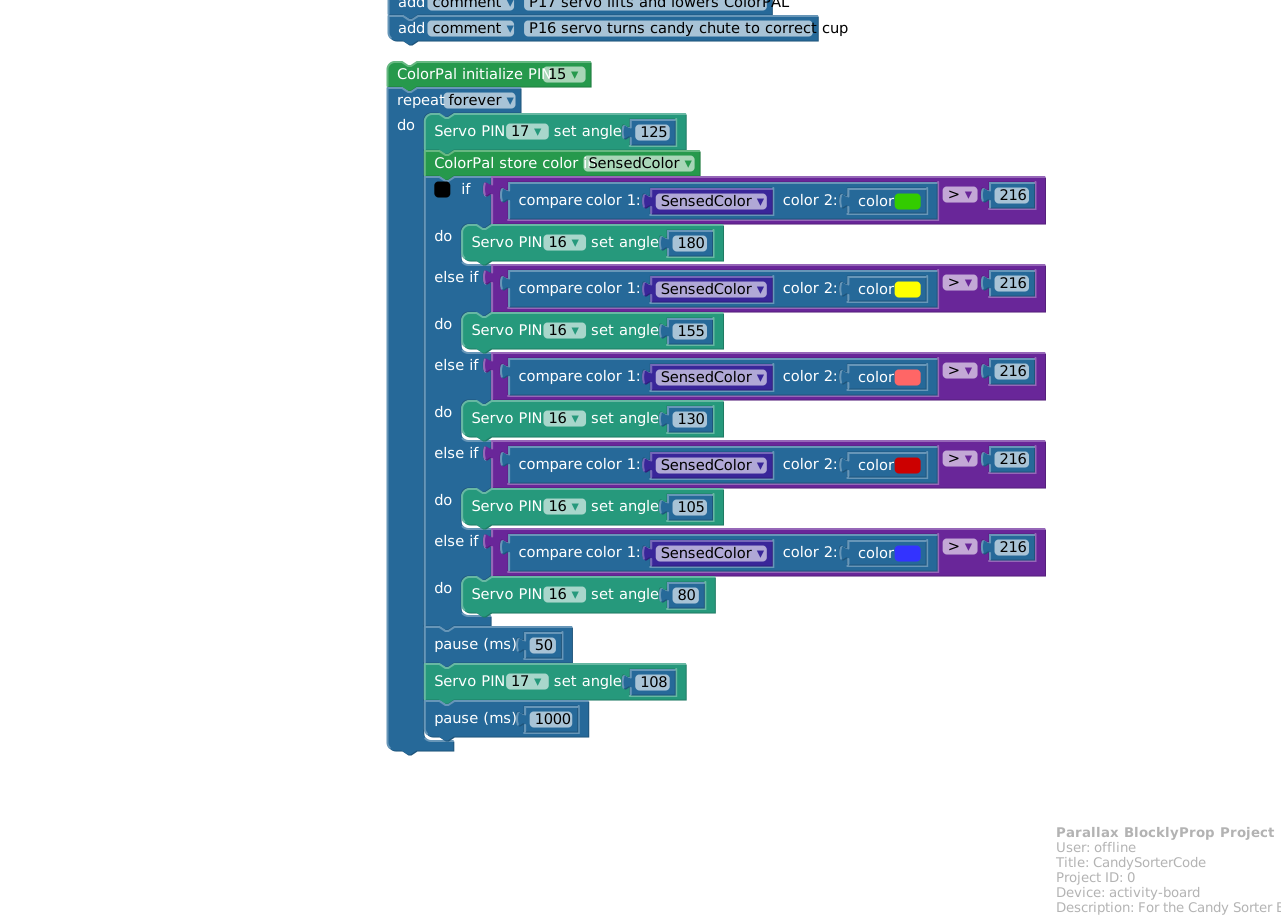
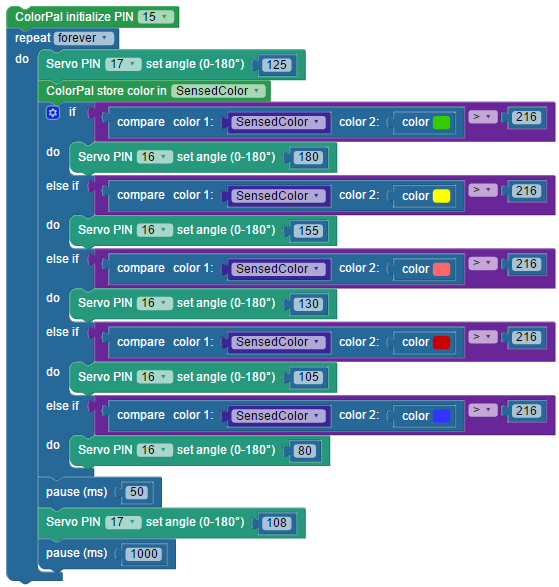
- Either build the program below, or download and open the .svg file.
Testing, Tuning, and Adapting to Your Candy
This example program was, through trial and error, tuned to a bag of Skittles and the cardboard structure shown in this tutorial. You will need to further tune the example code for the individual geometry of your custom candy sorter structure, and the type of candy you are sorting.
- How do your servo angles look? Run the program, and watch them.
- At the top of the code loop, adjust the first P17 servo block angle so the ColorPAL can hold a candy in place while it takes a measurement, without smashing it!
- At the bottom of the code loop, adjust the second P17 servo block angle so the ColorPAL lifts high enough to let a candy roll free again.
- With the updated code running, start feeding candies into the sorter one at a time, so that each one gets trapped by the ColorPAL and then released. If the ColorPAL is moving too fast or too slow, adjust the pause values at the end of the loop.
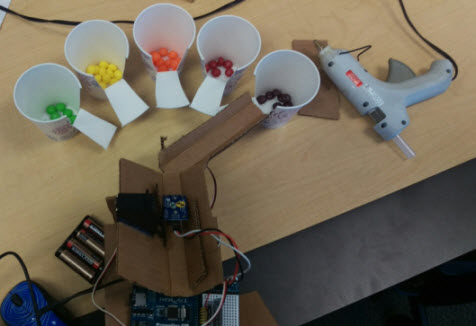
- Once you can reliably feed candies through to be trapped and sensed by the ColorPAL, take a look at where they are ending up.
- How many different colors does your candy have? Add an additional else if section if you need more than 5.
- What colors are your candies? You may need to adjust the color 2 color swatches in each else if condition to most closely match the candies you have. You may have to experiment here. It turns out that brown and orange skittles were hard to tell apart, but changing one condition from brown to dark blue worked well.
- Where are your candies going? Put candy collection cups at the endpoints where the rotating chute has been sending the candies as they get sorted. You may wish to adjust the P16 servo angles in each condition to accomodate the length of your sorter’s chute and the size and position of your collection cups.
Did you know?
Although candy sorting is simply a fun thing to do, material sorting has real-world applications, and can even be used to help protect the environment. People are more likely to recycle their trash if it’s easy for them to do. If the garbage facility is able to sort the trash is recieves, it can reduce the amount of trash that ends up in a landfill, and reduce the need to mine for raw materials. Can think of ways to use machines, sensors, and microcontrollers to sort materials?