
Other Recognition Modes: Faces, Tags
In this activity, you experiment with training the HUSKYLENS to recognize other items. All you have to do is change the HuskyLens switch algorithm to block from (Color Recognition) to something else.
- If it’s not already open, use the MakeCode editor to open microbit-Learn-Colors.hex.
If the file is saved on your computer, click Import button on the https://makecode.microbit.org homepage, then browse to and open the file. - In the HuskyLens switch algorithm to (Color Recognition) block, click the dropdown and check the recognition mode list.
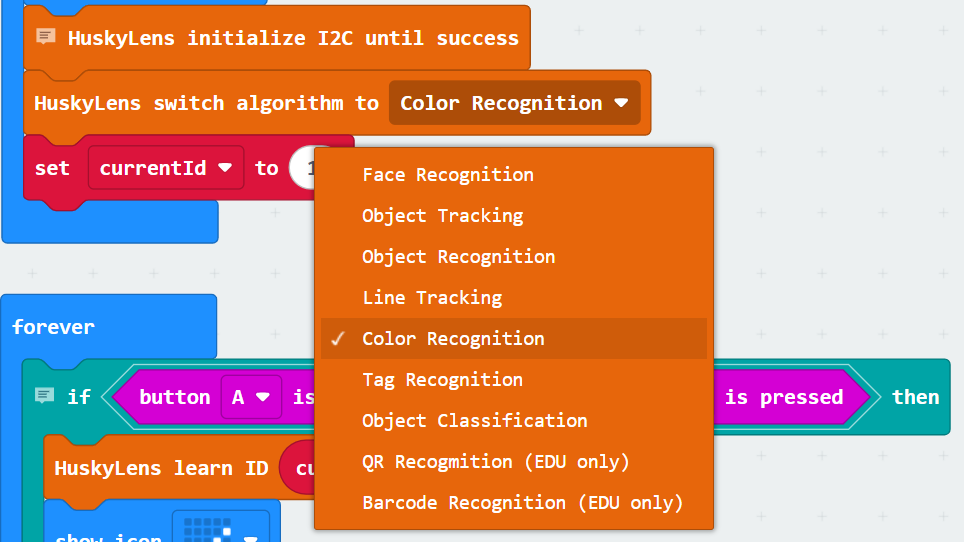
Modes that work with this program are:
- Face Recognition
- Color Recognition
- Tag Recognition
Let’s try them all.
Remember that you can use the micro:bit A and B buttons to increase and decrease the ID number. Then, press A and B at the same time to remember for a given ID. To forget everything that was learned, press the micro:bit logo touch button.
Face Recognition
After changing one block in your program, recognizing faces will work much like recognizing colors.
- Change the HUSKYLENS switch algorithm block to (Face Recognition).
- Name the program Learn Faces and save it.
- Use the Download button to load the modified script into the micro:bit.
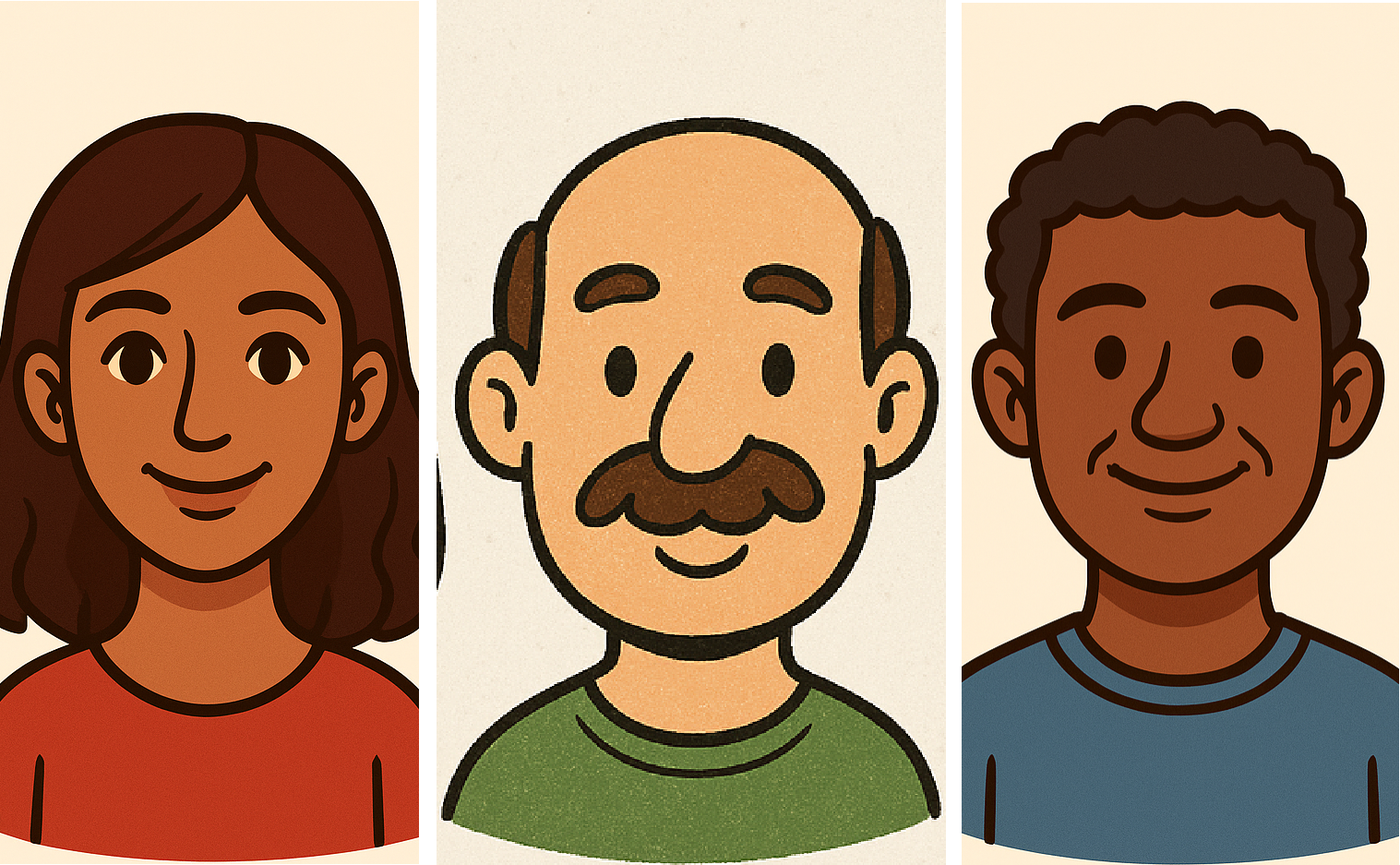
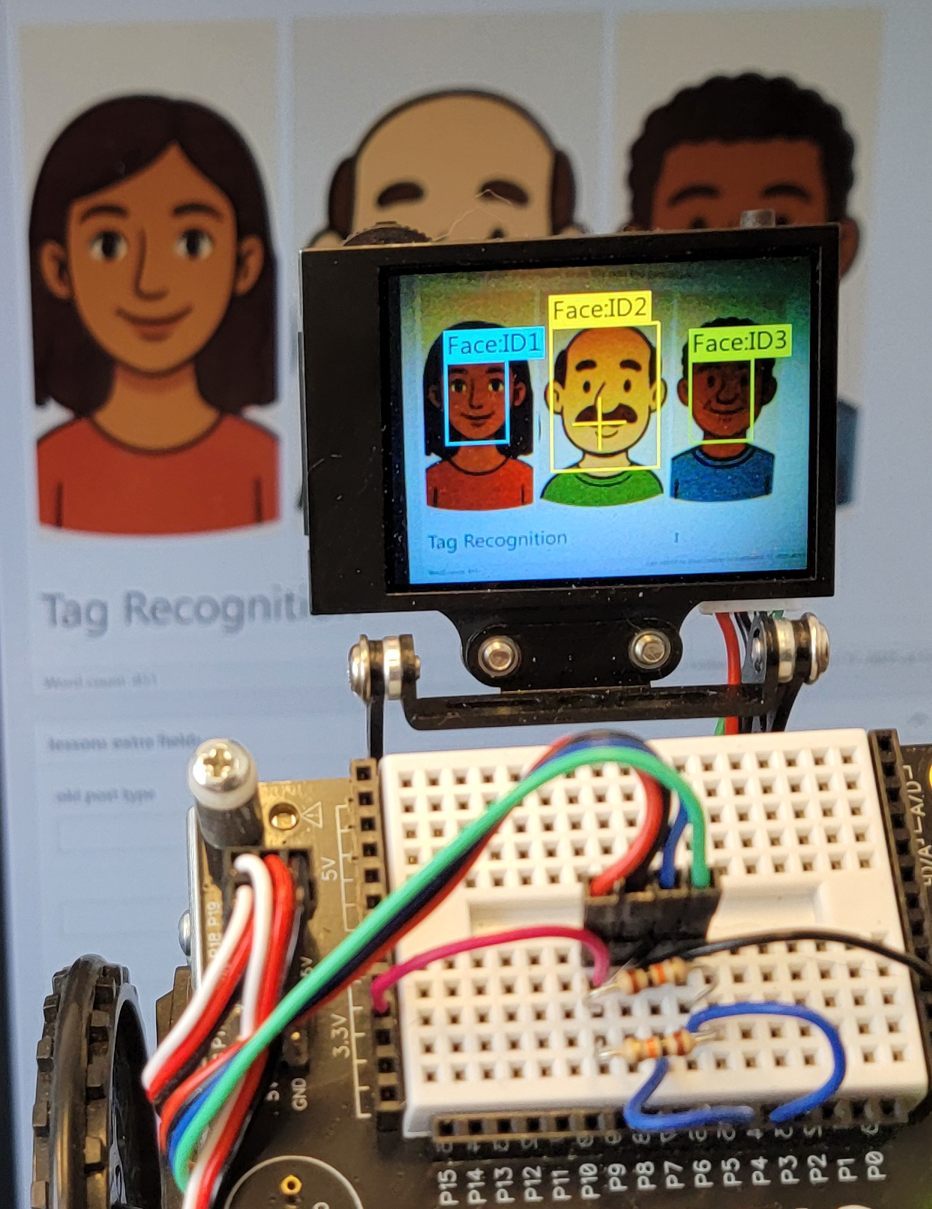
- Use the same procedure as you did with colors to assign IDs to these three faces. You can also give your classmates’ faces IDs with this procedure..
Tag Recognition
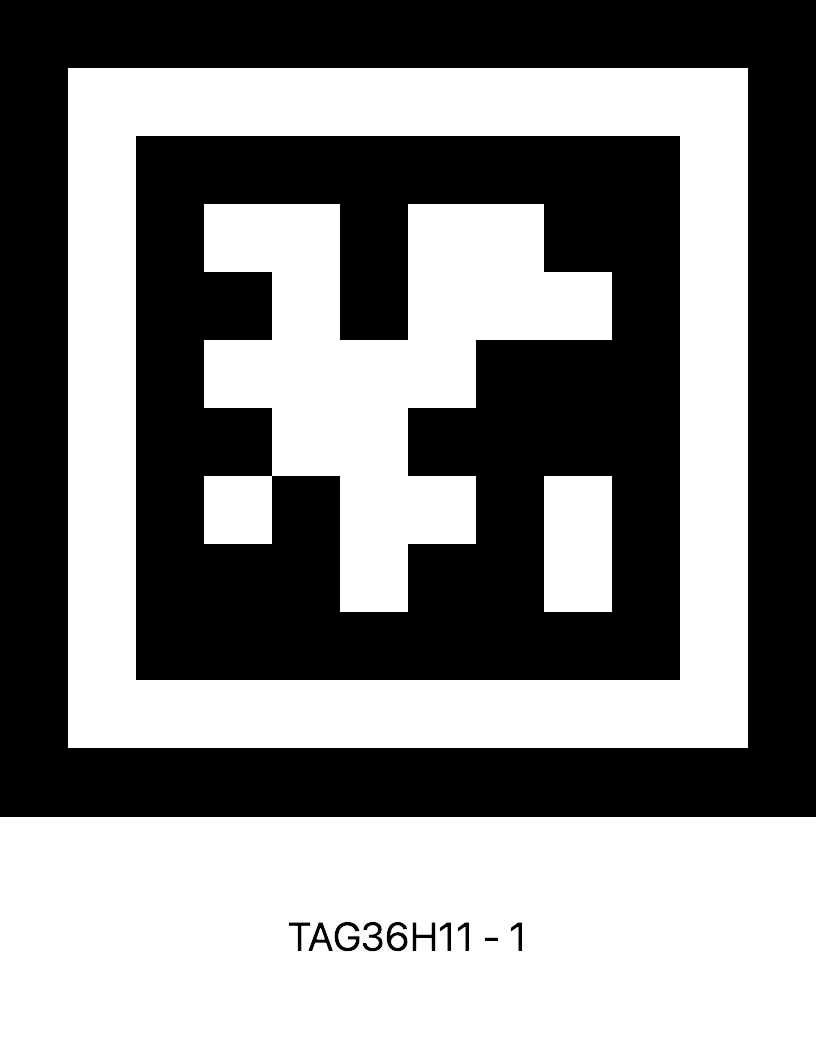
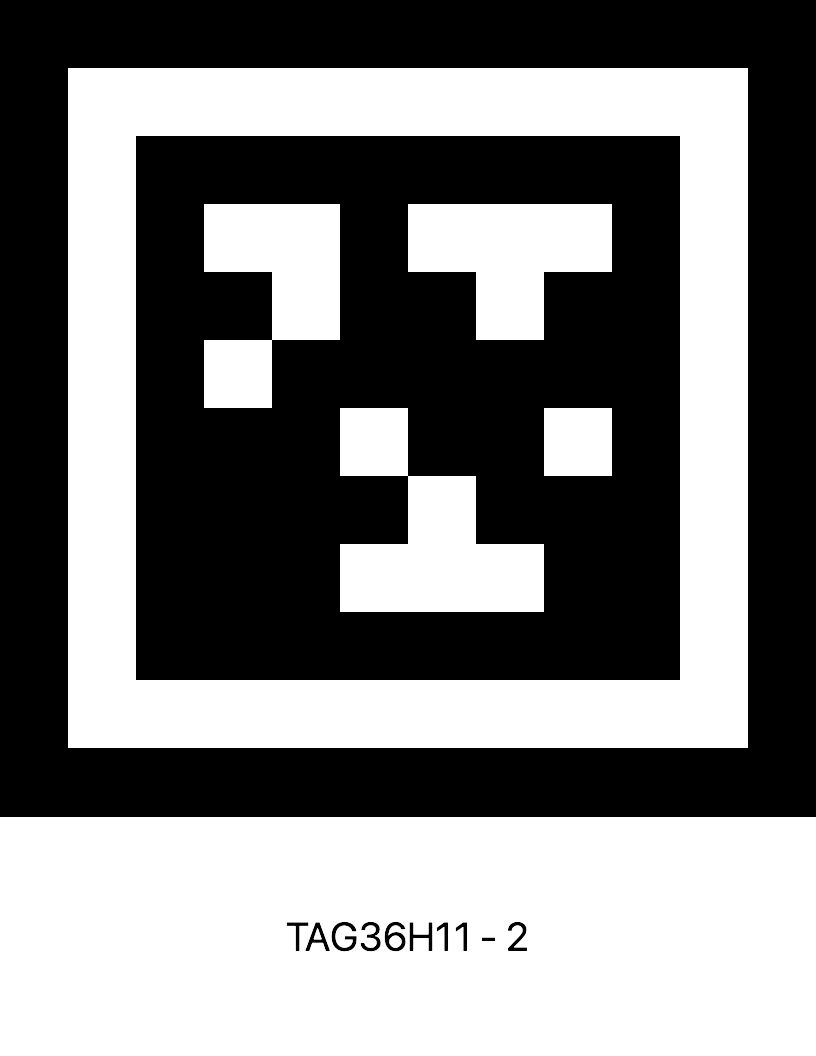
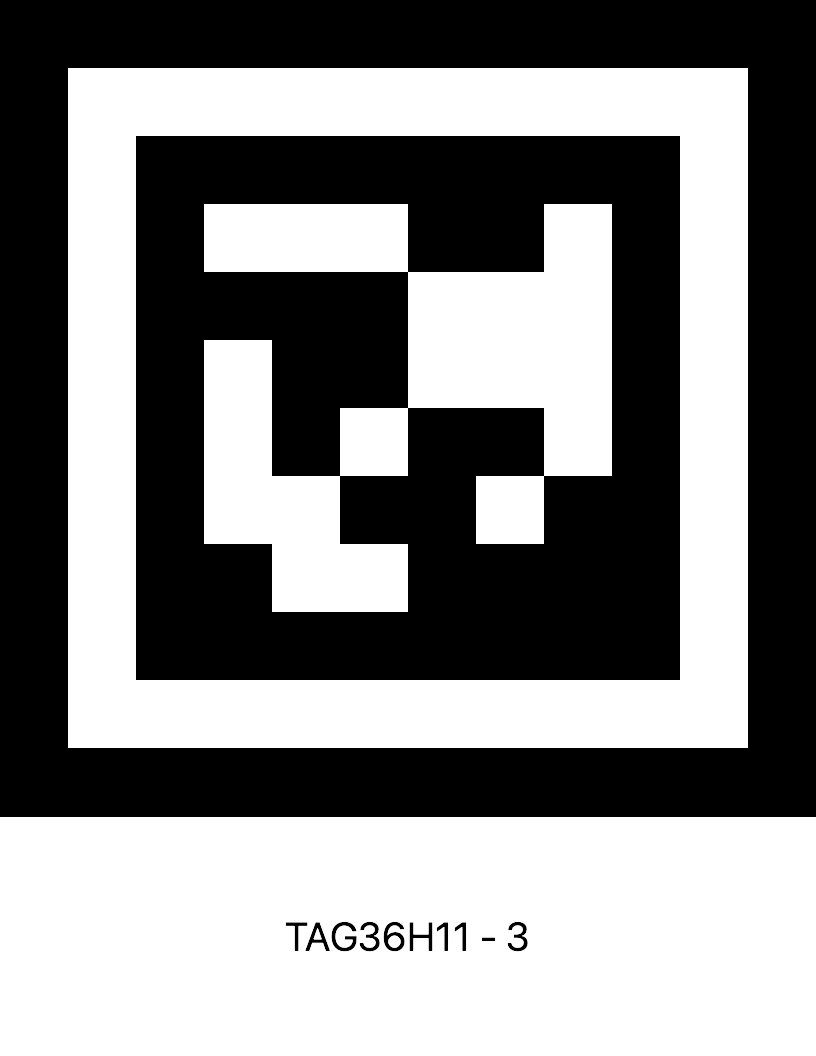
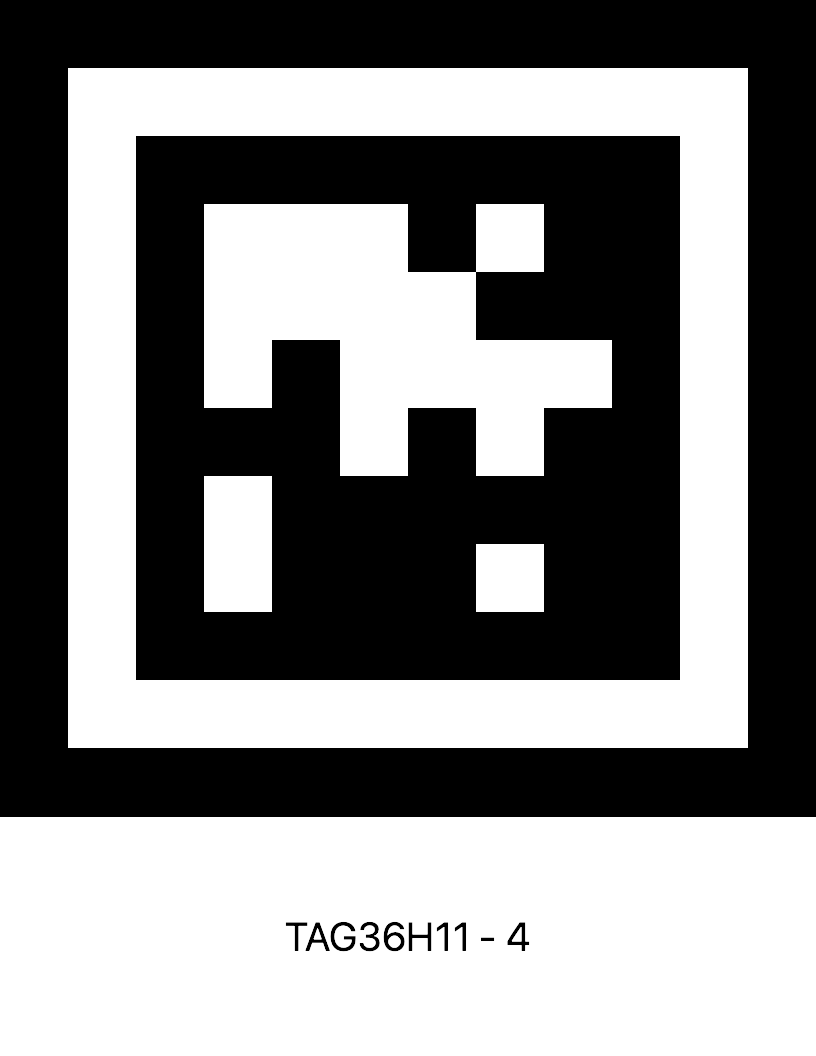
While the HUSKYLENS doesn’t automatically identify the tags, you can set up an ID for each tag. So, even though these are the AprilTags for 1, 2, 3, and 4, you can assign them any ID you want. As long as your robot responds with the right behavior for the right tag, it doesn’t matter that it’s using a different number from the original design.
- Change the HUSKYLENS switch algorithm block to (Tag Recognition).
- Name the program Learn Tags and save it.
- Use the Download button to load the modified script into the micro:bit.
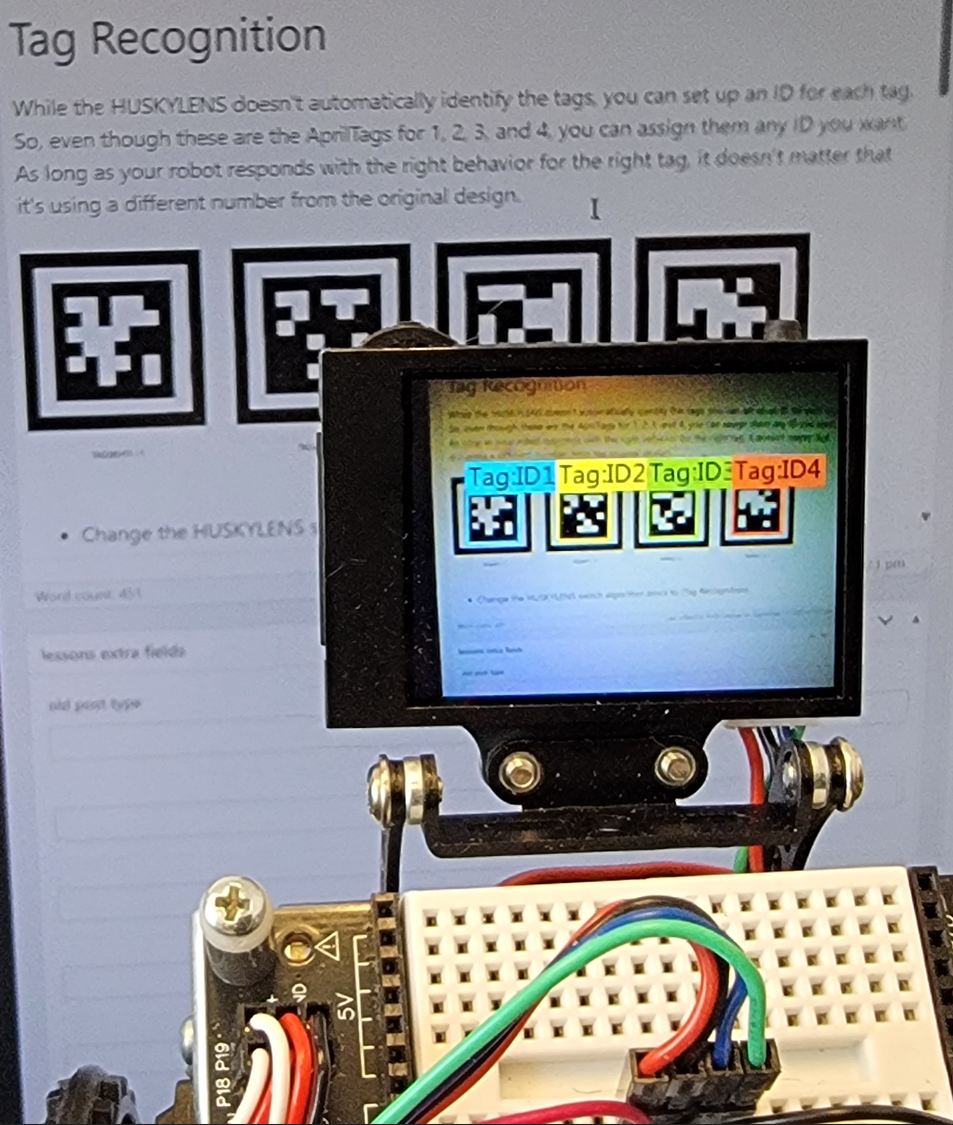
- Use the same procedure as you did with colors to assign IDs to these four tags.
- Test to verify that the HUSKYLENS can recognize them.
About AprilTags
The tags shown here are called AprilTags. They were developed by APRIL Lab at the University of Michigan; APRIL stands for Autonomous Perception, Robotics, Intelligence, and Learning. These tags are from the 36H11 series of AprilTags.
36 is the number of black/white squares used for binary encoding. A black square represents 1 and a white square represents 0.
While you might think this can count from 0 to one below 2^36 = 68,719,476,736, the H11 part changes that. The H11 part means that any value has to differ from any other value by 11 different black/white squares, which makes it hard for machine vision to confuse one tag with another.
With that, 36H11 AprilTags can count from 0 to 586. That’s 587 different values.
The H in H36 stands for Hamming distance, named after binary coding pioneer Richard Hamming.